
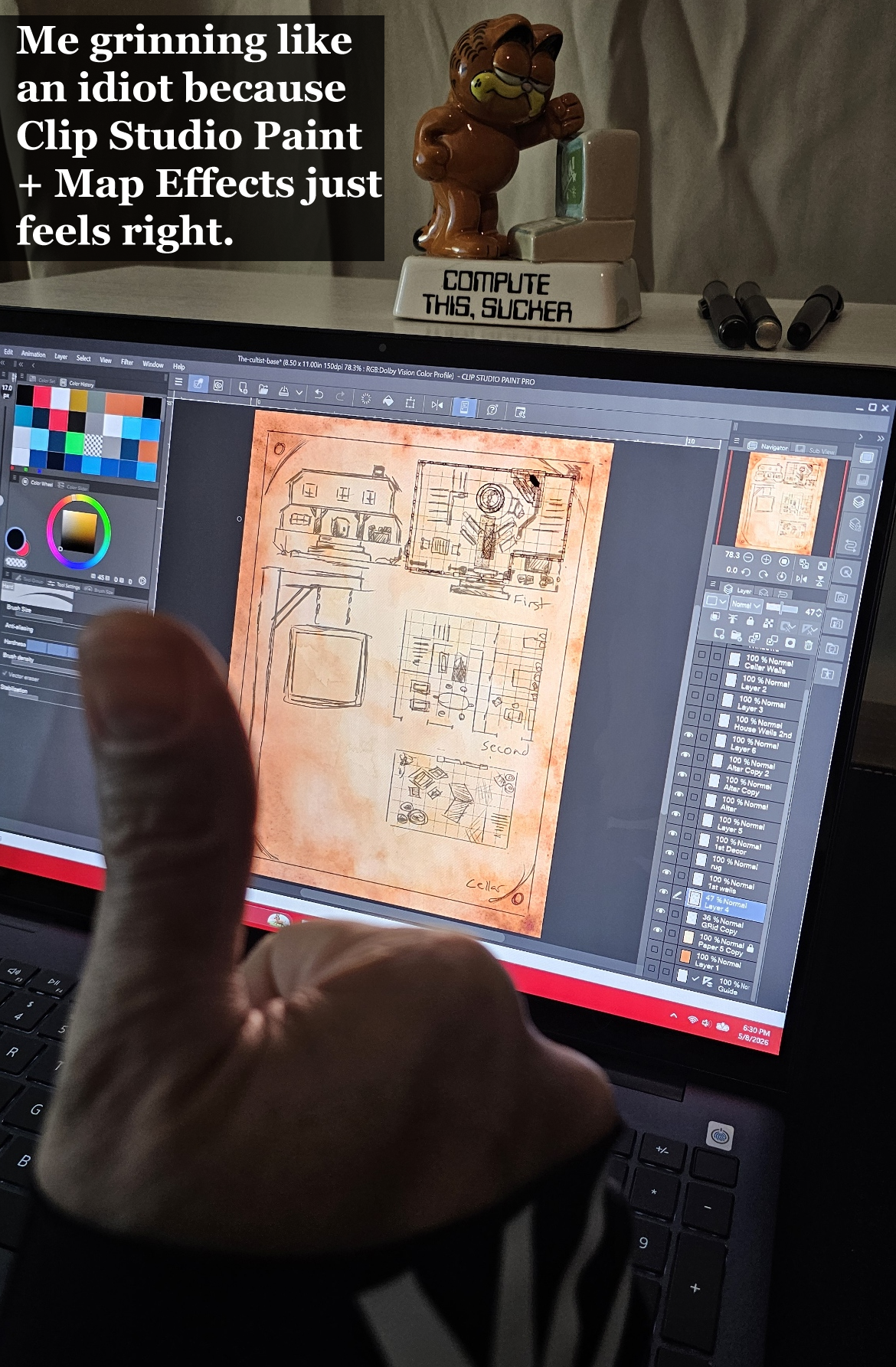
How I Escaped Adobe and Fell Back in Love with Digital Art – My Switch to Clip Studio Paint
Why I Switched to Clip Studio Paint and Never Looked Back: I have loved art for as long as I can remember. Pencil sketching, inking, coloring books, markers, acrylics, oils, watercolors, even drawing in the sand with a stick on the beach. But digital painting has always held a special place in my heart.
For nearly twenty years I thought Adobe was the only real option. I used their software for a long time, back when you could actually buy it once and own it forever. Then everything changed. They moved to a subscription model and I went along with it, paying around sixty dollars a month for about three and a half years.
One day I finally looked at my billing history and my jaw hit the floor. Seven hundred and twenty dollars a year. For three and a half years. That is a pile of money. It hurt realizing how much I had spent on tools I barely used. I was not getting enough value out of After Effects, Premiere, or even Photoshop to justify that monthly hit. So I canceled.
It felt incredibly freeing, but it left a big empty space where my digital painting itch used to live.
Like every digital artist does, I started searching for Adobe alternatives. I tried GIMP, Inkscape, and Krita. They are all excellent programs and I still recommend them. But none of them could do what I needed next.
I had just discovered Josh’s incredible Map Effects brushes and I was dying to use them for my fantasy maps in The Land of Time. The problem? They did not work with any of the programs I had. That is when I learned they work beautifully with Clip Studio Paint.
My eyes lit up. The dopamine hit hard. I downloaded the demo that same day.
Within three days I knew this was different. I bought the lifetime license for around sixty dollars. One single payment. My brain almost exploded when I realized I used to pay that much every month to Adobe.
I also grabbed Josh’s Map Effects – The Fantasy Map Builder brushes the same day and it has been pure magic ever since.
Now I crawl into my little walk-in closet bedroom each night (my rented insurance bed fits perfectly in there), boot up my new 2-in-1 Dell, and lose myself in Clip Studio Paint. Whether I am making maps for The Land of Time or just painting for fun, it feels joyful again.
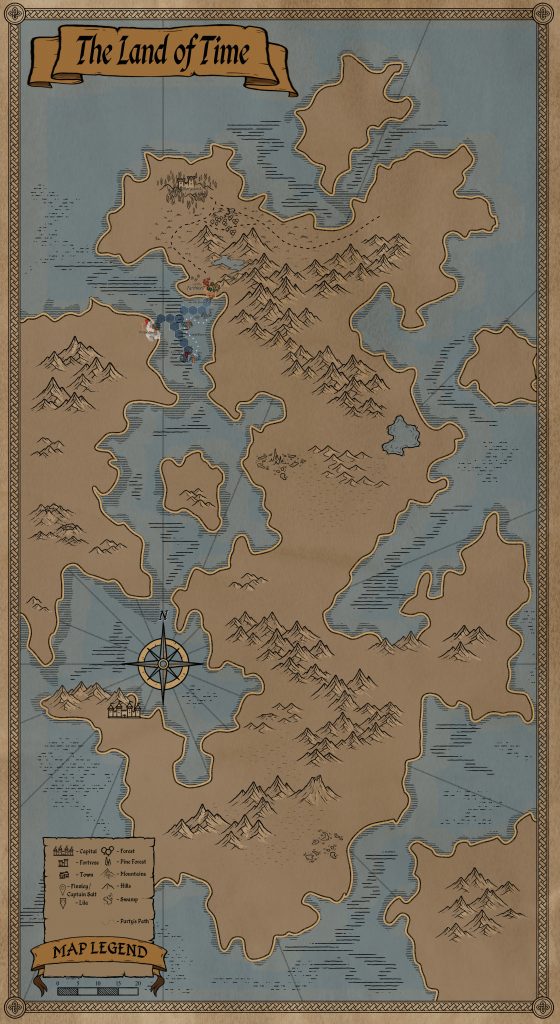
Clip Studio Paint is powerful, intuitive, and packed with features I am still discovering every single day. It works wonderfully with my touchscreen setup and pairs perfectly with Josh’s Map Effects brushes. It has genuinely become one of my favorite parts of the day.
So if you are a digital artist looking for something fresh, something that feels good to use every single time you open it, do yourself a favor and try Clip Studio Paint. Whether you are into fantasy maps, illustrations, comics, or just love to create, this program delivers.
I could not be happier I made the switch.
Highly, highly recommended.
Creative app for drawing, painting and design. Clip Studio Paint – Download now.
I’m also very excited to share that I’ve officially become an affiliate for Clip Studio Paint. If you decide to check it out and end up getting the software through my links, it helps support thehousegame.com and all the maps, reviews, and cozy content I’m creating here, at no extra cost to you. I only promote tools I genuinely love and use every day, and Clip Studio Paint has quickly become one of my absolute favorites.
If you’re curious about trying Clip Studio Paint for yourself, they offer a fully functional 30-day free trial. No pressure, no credit card required to start. Just download it, play around with it, and see if it feels as good to you as it does to me.
Try the 30-Day Free Trial here -> Clip Studio Paint
Clip Studio Paint offers two main ways to own the software. You can go with a perpetual license (one-time payment) for Windows and macOS, which lets you use the current version forever. Or you can choose a flexible monthly or annual subscription plan that works across devices (including iPad, Android, iPhone, Windows, and macOS). The perpetual license is perfect for people who want to pay once and be done. They also offer a fully functional 30-day free trial so you can test everything before deciding. Taxes may vary by country, and there are upgrade options and an Update Pass available if you want the newest features later.
Whether you end up making epic fantasy maps, illustrations, comics, or just doodling for fun, I truly believe you’ll fall in love with how smooth and joyful it feels to create in Clip Studio Paint.
A huge part of my excitement for Clip Studio Paint came from discovering Josh’s Map Effects brushes. Josh Stolarz is a passionate fantasy cartographer who started sharing hand-drawn maps on Instagram back in 2018. The response was so strong that he created Map Effects to help other writers, game masters, and artists bring their worlds to life. His brushes turn digital drawing into something that feels natural and organic instead of stiff or “plastic.” I’ve been having an absolute blast using his Map Effects and Map Builder sets in Clip Studio Paint. They make creating beautiful fantasy maps genuinely fun and addictive.